
Over the last 5 years, the PC gaming market has undergone nothing short of a revolution. More online game stores are entering the market with aggressive marketing and mouth-watering offers, and gamers are happily taking advantage of those.
New online game stores are popping up everywhere, some offering free games, others offering cheap prices and DRM-free games. Platforms like itch.io have built a reputation around indie titles, while GOG offers DRM free game options and Epic gives free games each weak. There is also Xbox Game Pass and Amazon Games giving subscription-based games.
But here's the problem that comes with it: Now gamers have more games than they can play in a lifetime, from various stores. At any time, any gamer would have more than 3 game launchers installed just to browse these games. It is essential to find a unified game launcher which can bring all these games together into one place and track all of them.
The Pain Point : As the Number of Games Increases, the Number of Launchers IncreasesThis is what I call the law of game launchers. Here are the problems associated with it, and further on we discuss how unified launchers solve it.
- More than 3 game launchers installed
- 'Did I even have this game?' - Forgetting which store or launcher a game is in.
- Keeping upto date with the updates of these launchers - there's nothing like the feeling of waiting 10 minutes just to update the launcher, out of your 30-minute play break.
- Game stats scattered across launchers/stores
- A unified game launcher solves almost all the problems arising from multiple launchers by keeping all your games in one place.
- Central Game Tracking : Tracks all game activity in one place, including Game Play Time, number of sessions, average time spent, etc.
While searching for a unified game launcher, you may come up with this question: "What is an ideal game launcher?" To answer this, we have come up with a list of features that a game launcher should have. But sadly, most game launchers do not have all of these features, and we have found Altair Play to have most of the features listed here.
- Trusted Installation - You don't want to install some .exe file from an unknown source.
- Minimal to No Setup Overhead - What about wasting 10 minutes just to set up the Launcher? Big No.
- Auto Detect installed games
- Constant Updates and a Clear Roadmap - Regular updates and clear visibility into upcoming features.
- Community support - A place to report bugs, request features, and get help directly from developers
- Lightweight and Resource-Friendly - A game launcher is a tool to enhance your gaming experience, not to disturb it by eating half of your available resources.
- Simple and User-Friendly UI
- Auto-Track Game Playtime
- Cloud support - Your game history and stats should have a backup.
These are some of the game launchers we found worthy of be mentioned here. There are many more not on this list - these are just the top ones.
1. Altair Play
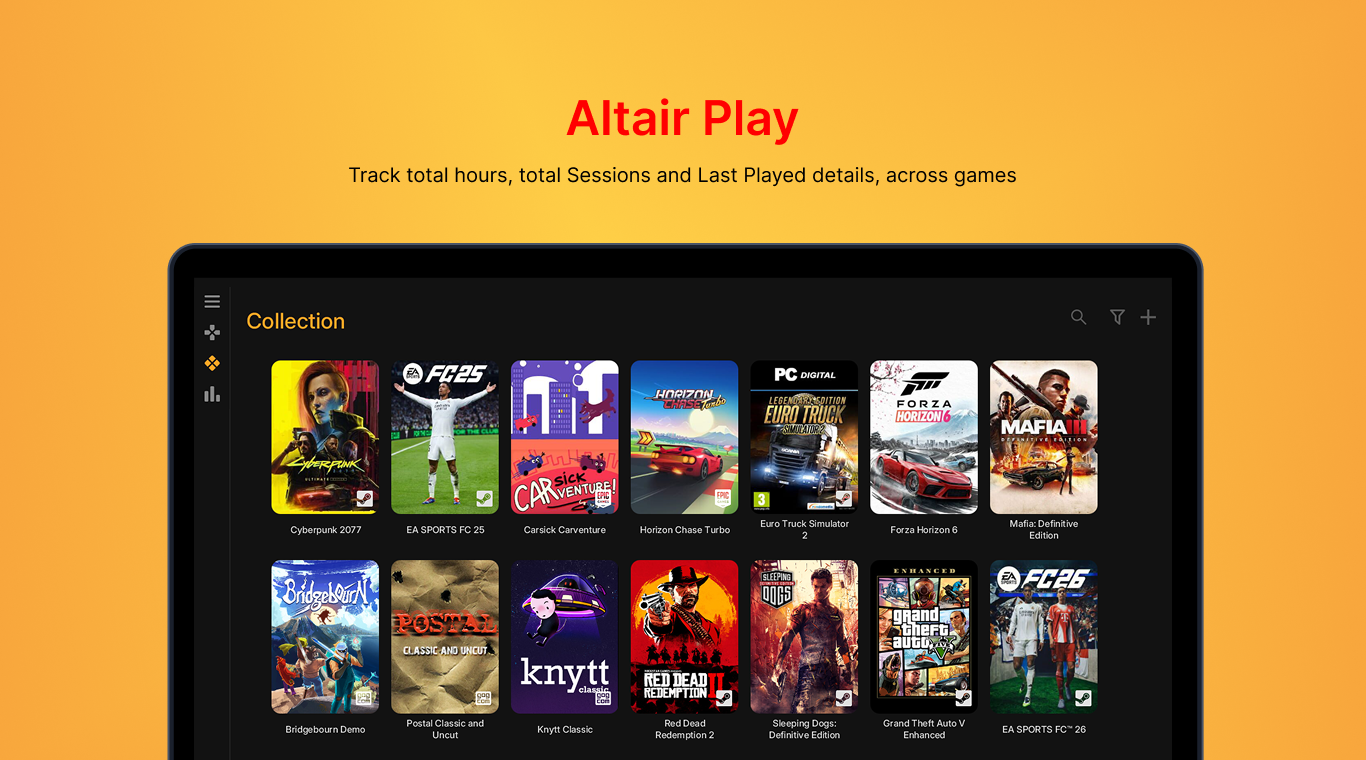
Altair Play is a game launcher/game library manager currently available for Windows PC on the Microsoft Store. It combines a game launcher and playtime tracker so you don't need another app for it.
What sets it apart from other game launchers is its simplicity and features. While having a large set of features Altair Play never feels complex and one of its other plus points is it requires no setup at all just download and use. It Automatically detects your installed games and displays them.
Altair Play ticks almost all of the features we have identified to be of part of an ideal unified launcher, and what makes it attractive is that it is far above all others in terms of user-friendliness and developer support.
Features
- Trusted installation - available directly on the Microsoft Store
- Minimal to no setup overheard - download and use instantly
- Auto-detects installed games
- Constand updates and a clear vision
- Active community support
- Lightweight and resource-friendly
- Simple and user-friendly UI
- Auto-tracks game playtime
Cons
- Currently limited to Windows only
- Newer to the market, still growing
2. Playnite
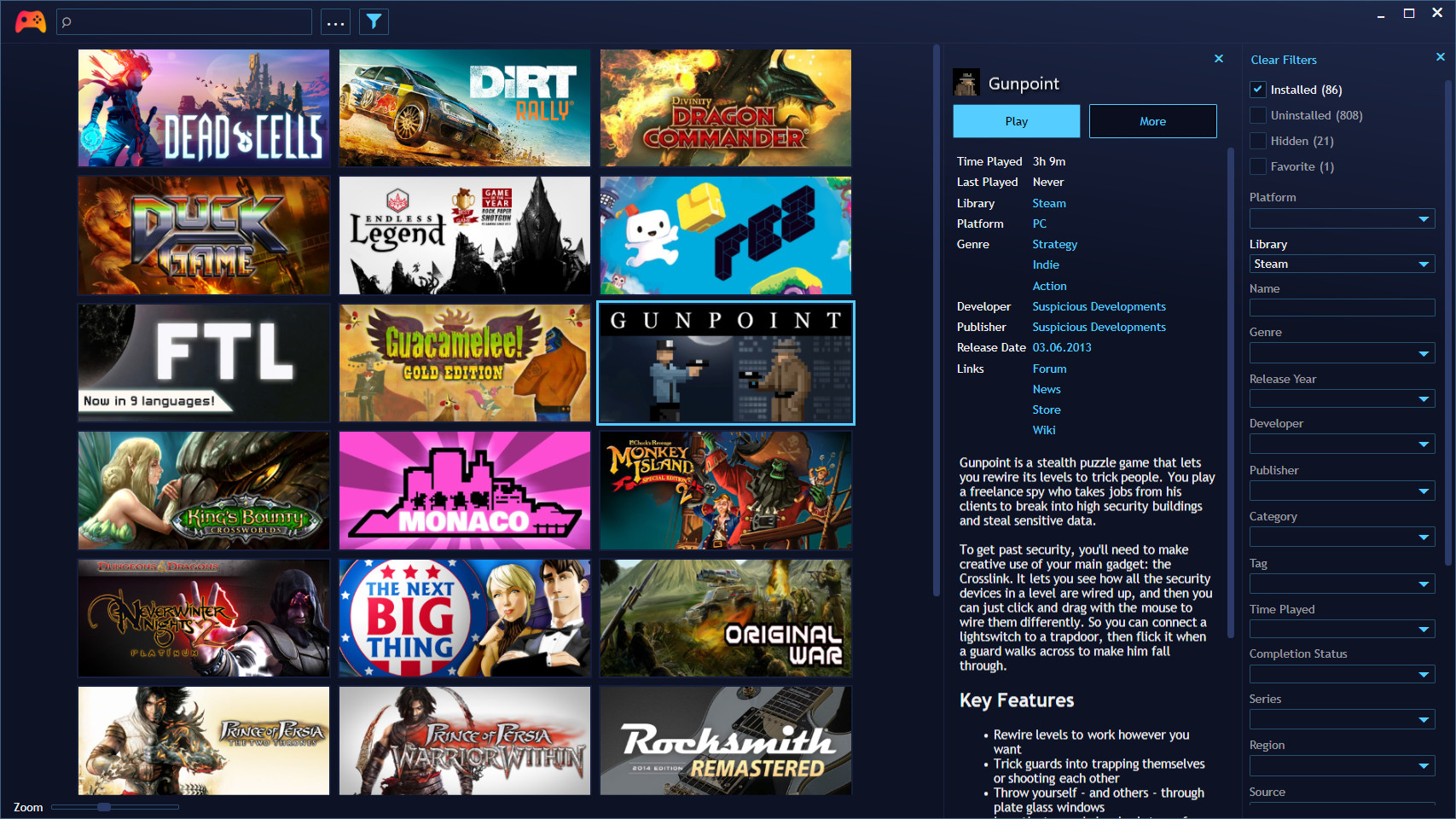
Playnite is a well known open-source game library manager/launcher available for Windows, first released back in 2017. It has built a loyal following over the years, especially among users who like to customize and tinker with their setup.
Features
- Open source - trusted installation
- Large community support
- Community developed plugins and themes
- Highly customizable
Cons
- Complex for new users
- Initial setup takes time
- Requires technical knowledge
- Integrations may break and requires troubleshooting
3. GOG Galaxy

GOG Galaxy 2.0 is a similar game launcher/library manager from GOG. Ulike most launchers that stick to their own store, Galaxy 2.0 allows to bring other games too.
Features
- Unified game library across multiple platforms
- Cloud sync for library and settings
- Store integration
- Cross-platform friends list and chat
Cons
- Tied to the GOG ecosystem - closely linked to the GOG Store
- Third-party integrations (Steam, Epic, etc.) can occasionally be inconsistent or require manual reconnection
- Heavier memory usage compared to others.
- Limited to Windows and macOS - no Linux support
4. LaunchBox
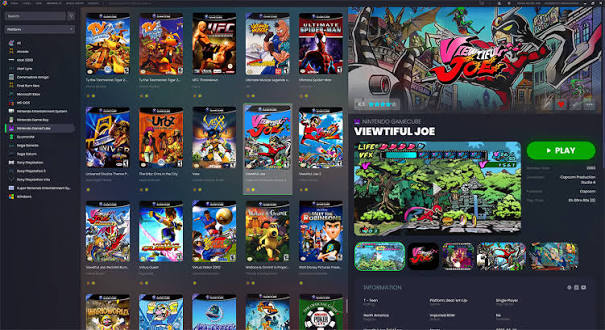
LaunchBox is a game library manager and launcher for Windows, with strong focus on retro gaming and emulation.
Features
- Auto-imports games from popular stores.
- Emulator support
- "Full Screen Mode"
- Active Community
Cons
- Steeper learning curve, especially when setting up emulators and platforms from scratch
- Full customization and premium features are locked behind Premium
- Windows Only
5. Heroic Games Launcher

Heroic is a Free and Open Source Epic, GOG and Amazon Prime Games launcher for Linux, Windows and macOS. Also available on the SteamDeck. It focuses on bringing together games from Epic Games, GOG, and Amazon Games into a single client.
Features
- Console Mode : Full Screen Mode with controller-friendly interface.
- Wine Support : Built-in wine support for Linux and MacOS
- Steam Deck : Steam DB support
Cons
- Limited to Epic, GOG and Amazon Games
- Primarily built for Linux/Steam Deck
While other Game Launchers focus on more features which the user will only use once in while, Altair Play focuses on giving the user what they actually needs. Playnite, for example, is better suited for users who love tweaking and customizing every detail of their setup - but for most gamers, that flexibility comes at the cost of a simple out-of-the-box experience. Altair Play skips that entirely, giving you exactly what you need without demanding you become a power user just to get started.
Altair Play also prioritizes security and user experience, ensuring that gamers have a frictionless initial set up process. Also, our tailored solutions for gamers ensure that you’re not downloading for features you don’t need.
FAQ
What is a unified game launcher?
A unified game launcher is a single application that brings games from multiple stores and platforms into one place.
Is Altair Play free to use?
All offline features of Altair Play is free to use, while some online features like Cloud Backup are for Pro version
Does Altair Play track playtime automatically?
Yes, Altair Play automatically tracks your game sessions, playtime, and activity across your installed games.